Contacts & pipeline

Everyone you've spoken to, in the same place as the posts.

A campaign brings someone in. They land right next to the campaign that brought them — so when they reply, you already know what they saw and what to say back.

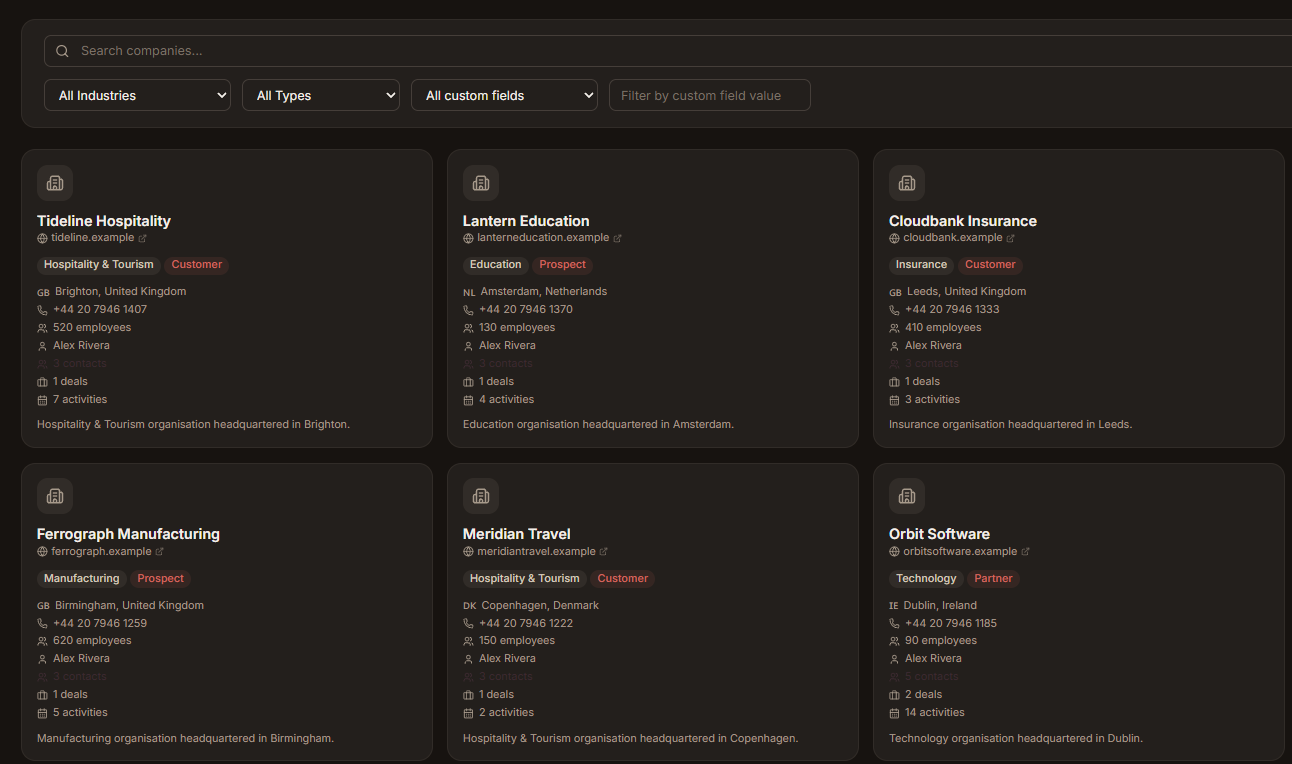
Advanza companies workspace
Why it's here

A post is only worth something if you follow it up

Publishing is the part you came for. This is the part that makes it pay — the enquiries, kept somewhere you'll actually look.

1
Place to look

One place to look someone up

Contacts and companies sit next to the posts, emails and forms that brought them in. No hunting through three tabs to work out who just replied.

Live
Deal stages

A pipeline you'll actually keep up to date

Deals and stages live where you already work. Pipelines go stale when they sit in a tool nobody opens — this one doesn't.

Full
Activity history

The history is already written down

Calls, meetings, notes and follow-ups sit on the record itself, so the next move is usually obvious from reading the timeline.

Both
Campaigns and revenue

You can finally see what it was worth

Campaigns and deals share a workspace, so you can tell which post, email or page turned into money — not just which one got clicks.

How it works

From a reply to a deal, without re-typing anything

Nothing here asks you to maintain a database. It fills itself in as your campaigns do their job.

  1. 01

    Everyone lands here

    Fill in a form, reply to a post, click through from an email — they become a contact without you typing anything.

  2. 02

    Group them by company

    Contacts sit under the business they work for, so you can see how much of an organisation you are actually talking to.

  3. 03

    Open a deal when it's real

    When a conversation turns into something worth money, give it a value and a stage, and watch it move across the board.

  4. 04

    Keep the notes where you'll find them

    Calls, meetings and follow-ups go on the record itself — not in a notebook, a DM, or somebody's memory.

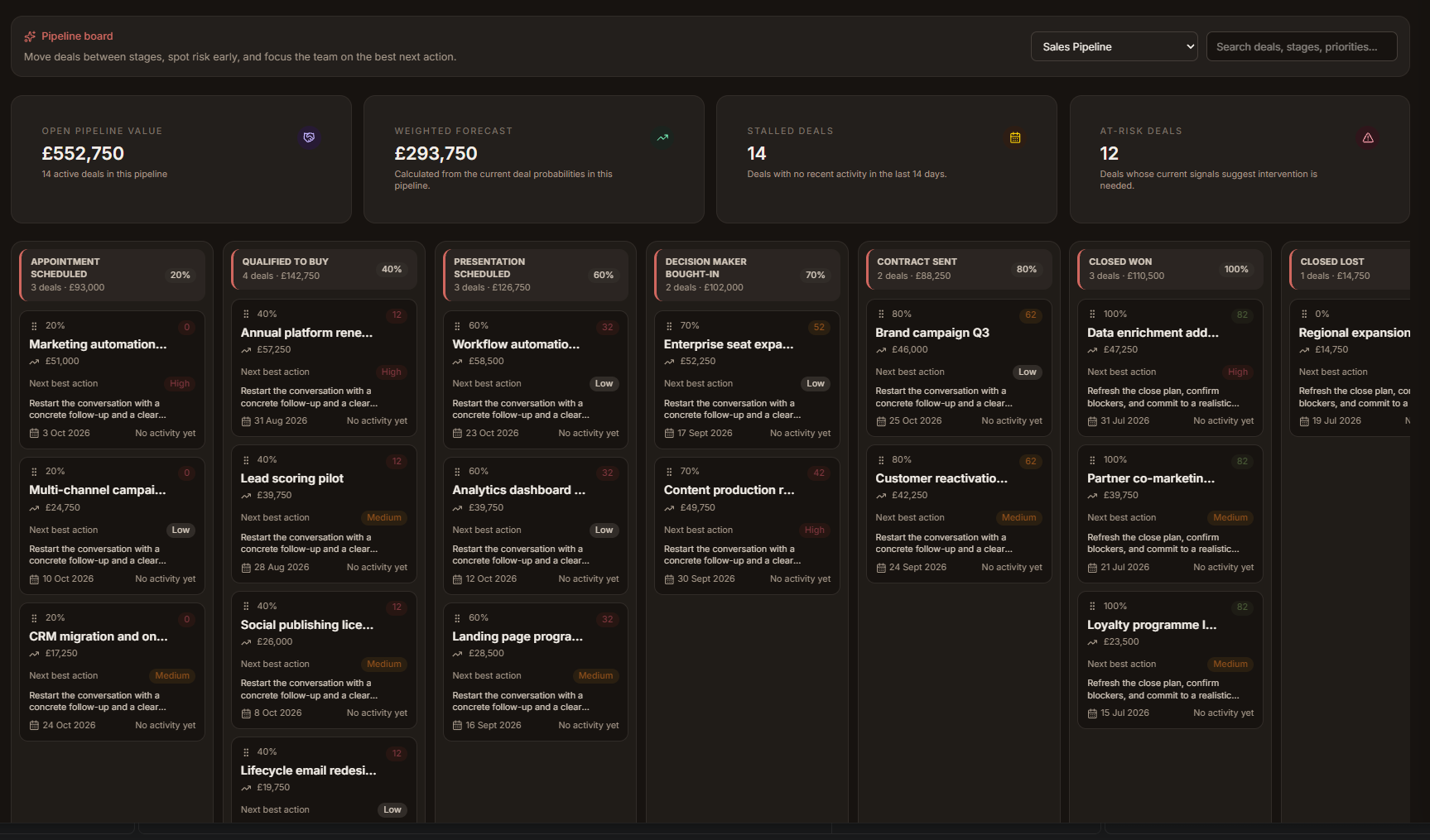
Advanza deal pipeline board
What's inside

Enough CRM to run on, and no more

The parts a small team uses every week — without the twelve tabs of settings nobody ever opens.

Contacts

Everyone you have spoken to, with the campaign that first brought them in still attached.

Companies

People grouped under the business they work for, so one account reads as one relationship.

Deals

What it's worth, what stage it's at, and when you last did something about it.

Pipeline board

Drag a deal to its new stage. That's the whole update — no forms, no fields to remember.

Activities

Calls, meetings, notes and follow-ups logged against the person they were actually about.

Views and filters

Save the lists you check every week — open deals, quiet accounts, people who need chasing.

One timeline

Campaign, form fill, reply, meeting, deal — in the order it happened, on one screen.

Context before you reply

Open a contact and you already know what they saw, what they clicked, and what was said last.

See who your posts are actually reaching

Start free, publish a campaign, and watch the people it brings in land in the same workspace — with the whole conversation attached.

  • Start free
  • No complicated setup